Salesforce and Microsoft Outlook Integration
IT Partner LLC
Connect Salesforce with Microsoft Outlook to automate CRM updates, track customer communications, and accelerate deal cycles—all from your inbox. Pricing and timeline are customized after scoping.
Connect Salesforce with Microsoft Outlook to automate CRM updates, track customer communications, and accelerate deal cycles—all from your inbox. Pricing and timeline are customized after scoping.
📬 IT Partner’s Salesforce + Microsoft Outlook Integration
Close deals faster—without leaving Outlook.
Tired of switching between Outlook and Salesforce to log emails or track follow-ups? Do critical customer communications get lost in endless email threads?
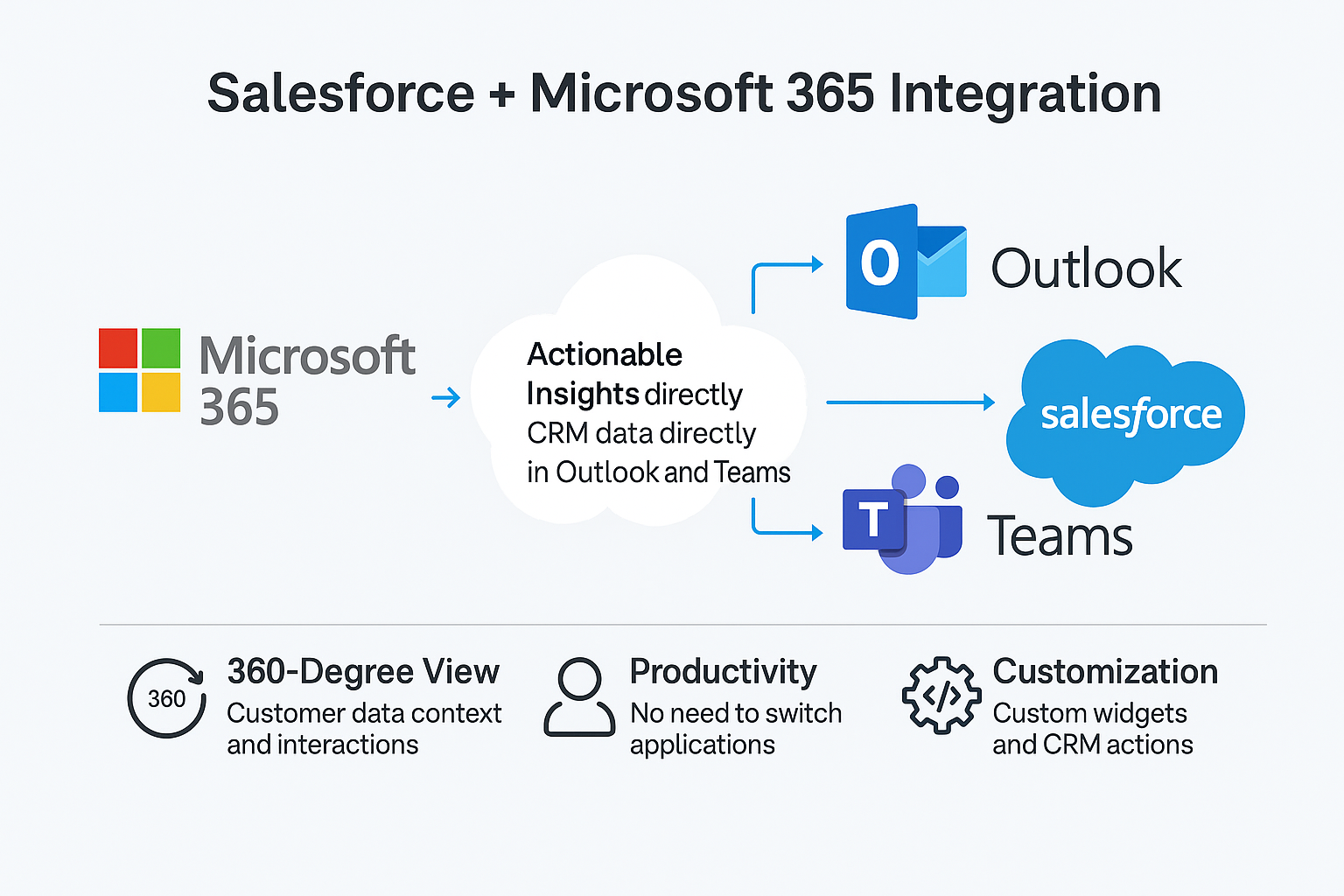
With IT Partner’s Salesforce + Microsoft Outlook Integration, your sales team can log emails, sync calendars, and trigger workflows directly from Outlook—eliminating manual data entry and accelerating your sales cycle.
🔄 What This Integration Does
We connect Microsoft Outlook (desktop, web, and mobile) with Salesforce, enabling your team to:
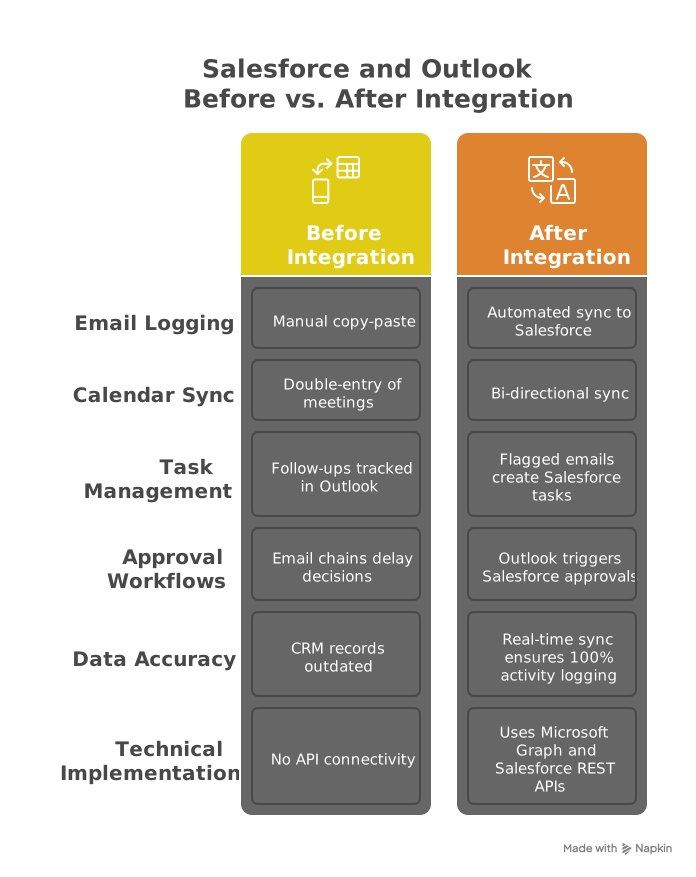
- Log emails to Salesforce automatically (attached to Leads, Contacts, or Opportunities)
- Sync Outlook calendars with Salesforce Events/Tasks
- Trigger workflows (e.g., follow-up tasks, deal approvals) from flagged emails or calendar events
- Embed actionable buttons in Outlook emails (e.g., "Log to Salesforce" or "Approve Deal")
- Build advanced automations using Power Automate (e.g., SLA reminders based on email responses)
📌 Why It Matters
Without integration:
- According to the Salesforce State of Sales report, administrative work consumes nearly 70% of a sales rep’s time, leaving minimal room for customer interactions.
- Sales reps waste 5+ hours/week on manual CRM updates
- Deal approvals stall in email chains
With this integration:
- ✅ Log emails and meetings to Salesforce with one click
- ✅ Automate follow-ups and approvals from Outlook
- ✅ Keep Salesforce data accurate and up-to-date
🚀 Key Benefits
- Reduce manual work: Eliminate double-entry between Outlook and Salesforce.
- Shorten sales cycles: Trigger follow-ups and approvals directly from emails.
- Improve data accuracy: Auto-sync customer communications to CRM records.
- Enhance visibility: Full activity history in Salesforce for better forecasting.
⚙️ How It Works
- Connect Salesforce to Outlook using Microsoft Graph API and Salesforce REST API.
- Log emails/events to Salesforce via Power Automate (or custom middleware).
- Trigger workflows: Flagged emails create Salesforce Tasks; calendar events sync as Activities.
- Optional: Build multi-step approvals (e.g., Outlook replies → Salesforce approval processes).
Note: Uses Salesforce’s EmailMessage object for email logging and Task/Event for activities. Custom fields supported.
🎯 Who's This For?
- Sales teams using Salesforce and Outlook daily.
- Managers needing real-time deal visibility.
- Operations teams tired of manual CRM cleanup.

🏆 Why Choose IT Partner LLC
- Microsoft Solutions Experts + Salesforce Certified
- API-first approach: Secure, scalable integrations using REST/OAuth 2.0.
- End-to-end service: Design → deploy → support.

💬 What's Next?
Let’s automate your sales workflows and eliminate CRM busywork.